


03
Anchors
Points and curves land on the body. The ones Enfigure is unsure about wait for your call.

Public beta · Windows and macOS
Enfigure rebuilds the topology, fits a real skeleton, bakes the maps and exports to Unreal, Unity and glTF. All on your own machine.

The problem
AI generators and scanners hand you a statue. Beautiful in a render, useless in an engine: nothing to deform, nothing to animate, nothing to dress.
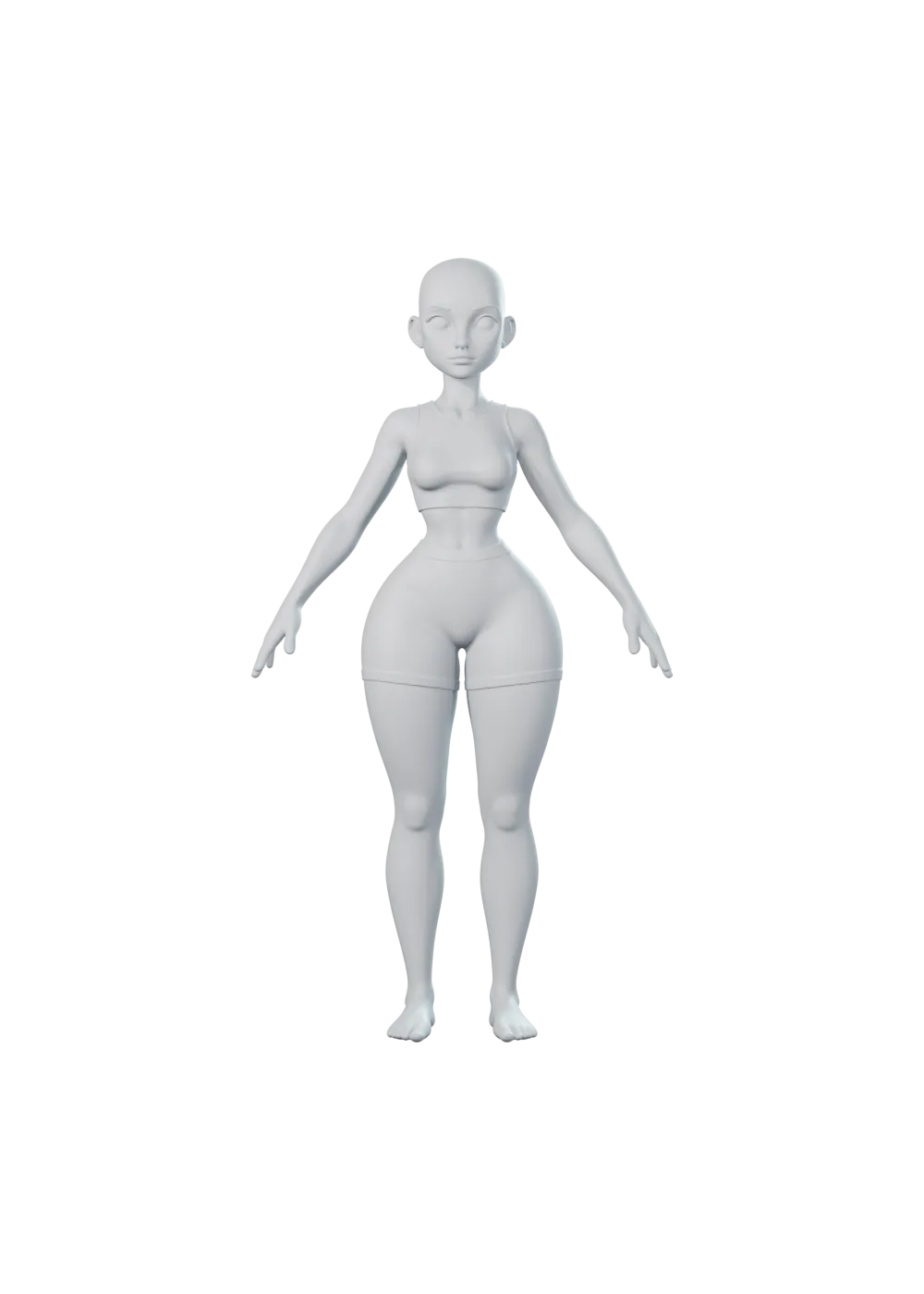
Eyes painted on. No mouth inside.
999k triangles. No edge flow.
Clothes fused to the skin.
No skeleton. No weights.
One mesh. One material.

The result
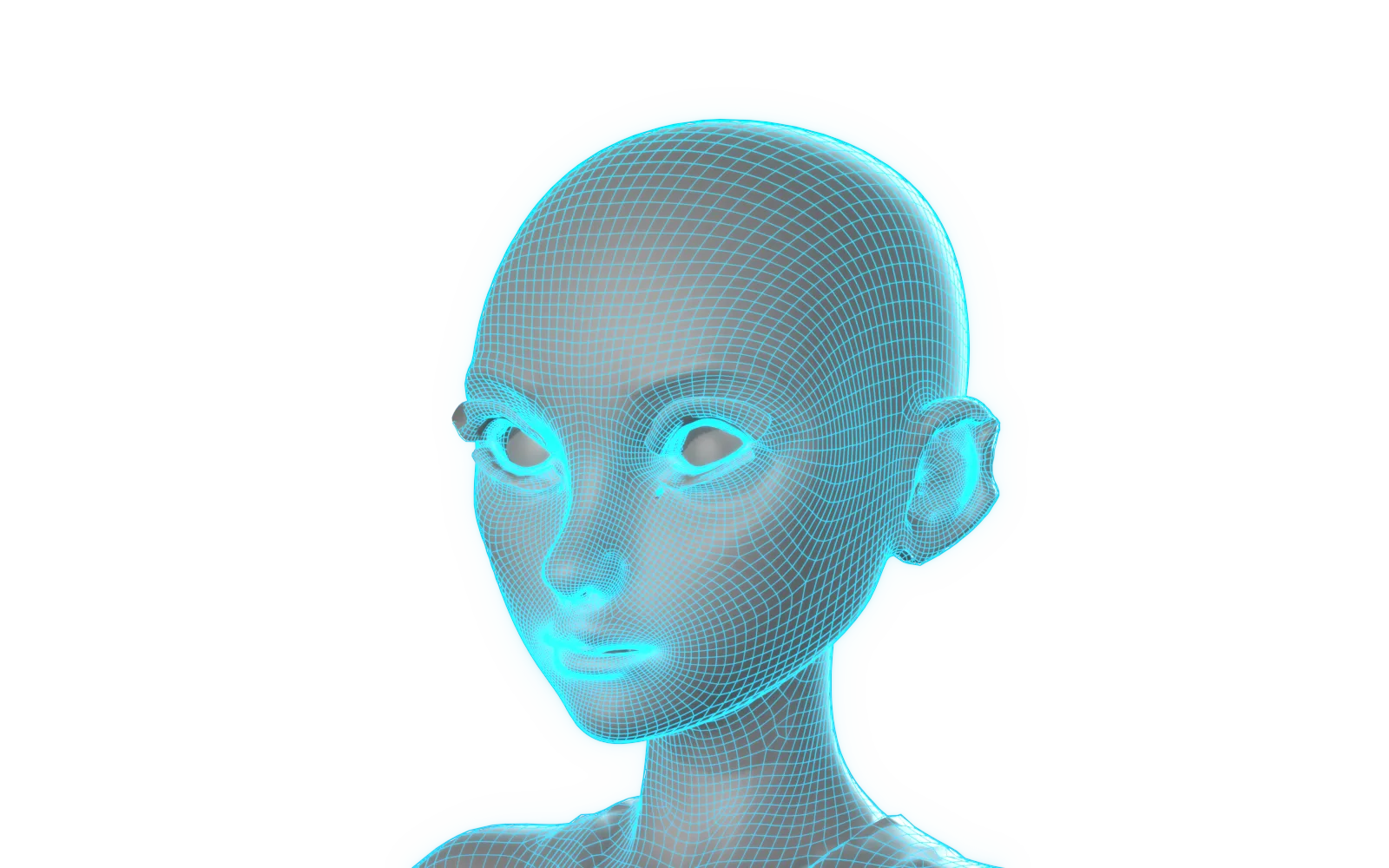
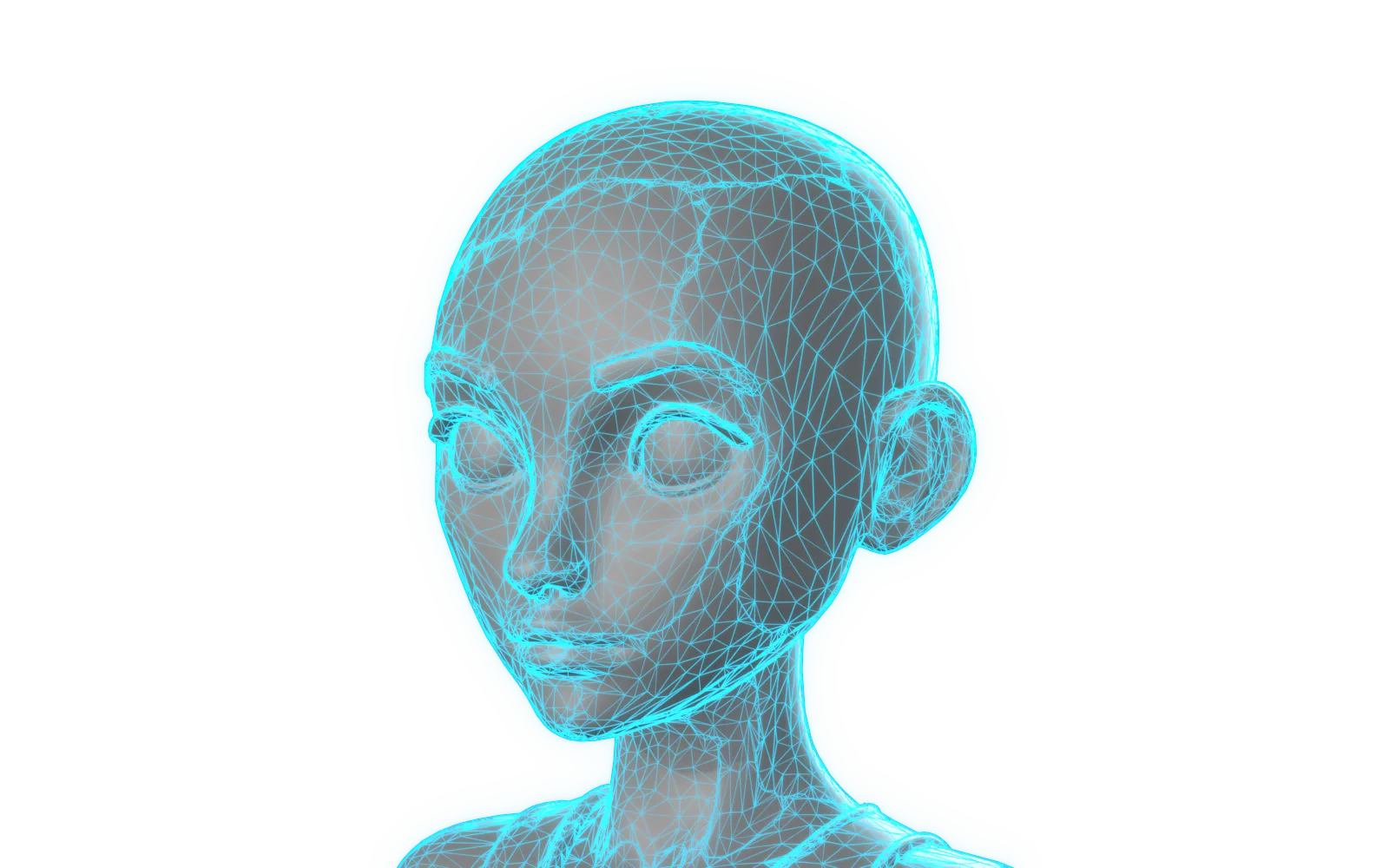
Drag to compare. Rendered from the app's export.
How it works
Seven steps, one app. Enfigure proposes, you confirm. Nothing destructive happens without you.
Points and curves land on the body. The ones Enfigure is unsure about wait for your call.

FBX, glTF, GLB or OBJ. Enfigure reads the file, detects what it holds and proposes the job.
Clean quads, on request.
One base. Your shape.
A real skeleton.

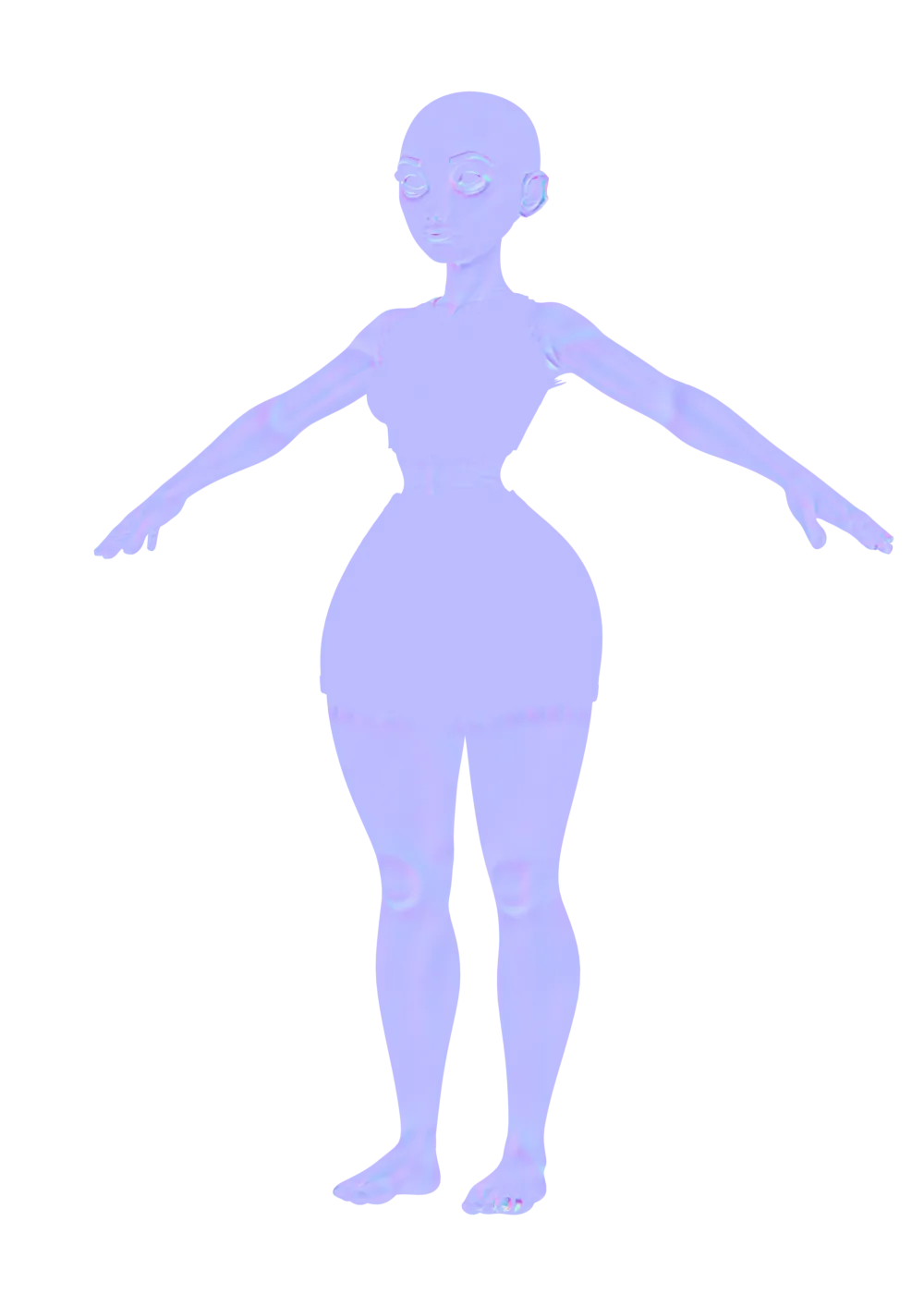


Your look, baked.

One click to the engine.

Eyes, mouth, nails, lashes, skin layers and creature parts.


Garments
Bring a jacket, a dress or armour. Enfigure poses it to match your character, fits it layer by layer with tightness by region, and lets the cloth settle.
Any body
Same skeleton, same UVs, same export. Creature, heavy or stylised: the fit follows the mesh.

01
Hourglass figure · anime eyes

02
Goblin · oversized head

03
Extreme muscle mass

04
Heavy build

05
Long limbs, narrow frame
Inside
No round trips between five tools. Import, fix, dress and export in one place.
Edge loops that deform. Opt-in, with before and after, and revert.
Detected points and curves, reviewed by you. Unsure ones are flagged.
The base body takes your mesh's shape. Horns and tails stretch from it.
Skeleton and weights in one pass. Test poses and a weight brush.
Colour, normal, curvature, thickness, AO and skin, at the target size.
Match pose, layered fit and tightness by region, for any imported garment.
Fabric presets and a live simulation switch. Drape, then refit.
Eyes, mouth, nails, lashes, skin layers and creature parts.
Joint handles, IK limbs and library clips on the timeline.
Triangles, influences, materials and bones checked against the target.
Sculpt, weights, fit, pose and look. Every step named and undoable.
Models ship as packs on your machine. Your characters are processed locally.
Export
Pick Hero, NPC or Mobile once. Bake size, LOD budgets and material limits follow everywhere.
Private by design
Enfigure runs locally, its models included. They download once, as packs. No uploads, no queue. Only a quick export check goes online.

Public beta
Free to download. Pro for unlimited full-quality exports.
Free
€0
Any account, no card. Every tool, 3 exports a month at reduced quality. Garments and parts export with Pro.
Enfigure Pro
Public betaUS$19.99/ month
Sales tax, if any, is added at checkout.
Billed monthly. Cancel any time.
Studio
On request
For teams and pipelines. Available on request.
Any account can download Enfigure and use every tool in the app. You get 3 exports a month at reduced quality. The Unreal 5 and Unity 6 presets are included. Garments and parts are free to fit, simulate and build, and you see them in the app. Exporting them needs Pro.
Unlimited exports at full quality, with no monthly count: Hero body, maps up to 4096 px, all LODs, the engine folder and template blend shapes. Also the full-resolution remesher, Godot, Blender, Maya and Web presets, batch export and share images without the mark. Pro also puts garments and parts in your exports.
Baked maps up to 1024 px, the NPC body instead of Hero, LOD0 only, no engine folder, no template blend shapes, and no garments or parts. Your own source textures and face shapes pass through unchanged.
Free exports are reduced, and you get 3 a month. Pro exports are full quality, with no limit. Both contain the character, but only Pro exports include garments and parts. An export that fails is refunded, up to 3 a month.
Yes, on every plan. The Free limits are technical, not a licence restriction.
Free exports do. The app makes a quick check with our server before each one. Pro exports work offline while your sign-in is valid. Only the check goes online; your files are not uploaded.
Contact
Contact
support@enfigure.app
from the address on your account. We answer within 2 business days.
Legal notice
BuonaLabs UG (haftungsbeschränkt), Maria-Goeppert-Straße 3, 23562 Lübeck.
We count page views with Google Analytics only if you allow it. That sets a cookie and sends the page address to Google. The site works without it.Cookie policy